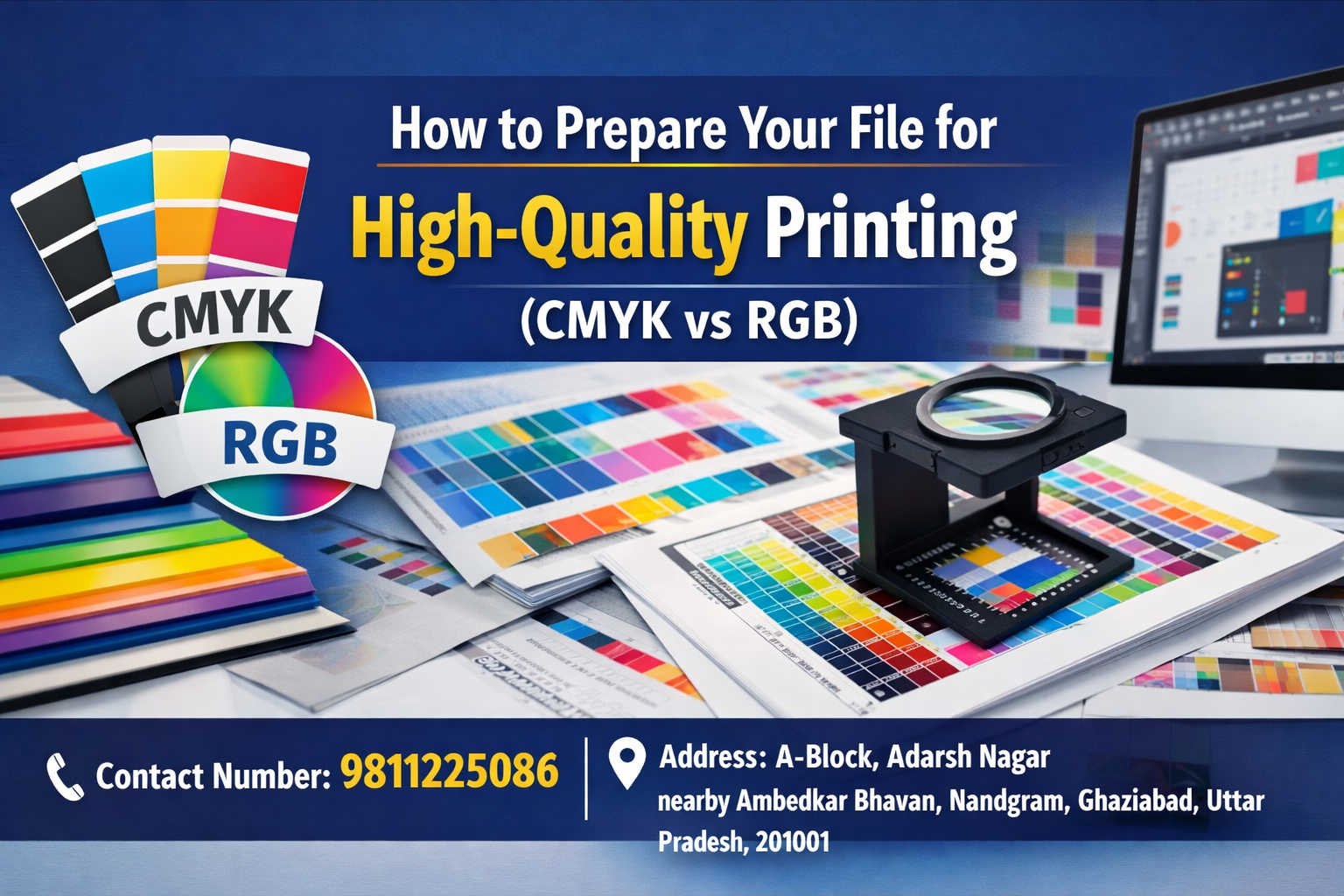
Ever designed something that looked perfect on screen—but came out dull or blurry when printed? This is a common issue for businesses and individuals across Ghaziabad. At GS Printer, we often see clients struggle with print-ready files, color mismatches, and resolution problems.
The good news? With the right preparation and understanding of CMYK vs RGB, you can achieve sharp, vibrant, and professional-quality prints every time.
Must Read :- How Flex Boards Can Increase Your Shop’s Footfall in Ghaziabad
Understanding CMYK vs RGB
What is RGB?
RGB (Red, Green, Blue) is used for digital screens like mobiles, laptops, and TVs.
What is CMYK?
CMYK (Cyan, Magenta, Yellow, Black) is the standard for printing.
Why CMYK Matters in Printing
- RGB colors appear brighter on screens
- Printers use CMYK inks, which can slightly alter colors
- Using CMYK for printing ensures accurate color output
👉 At GS Printer, we always recommend converting your files to CMYK before printing to avoid unexpected results.
What Are Print-Ready Files?
A print-ready file is a file that is properly formatted for professional printing without requiring major edits.
Key Elements of Print-Ready Files
- Correct color mode (CMYK)
- Proper resolution (300 DPI or higher)
- Bleed and margin settings
- Correct file format (PDF preferred)
Ensuring your files are print-ready helps avoid delays and guarantees high-quality output, whether you’re printing in Indirapuram or Vaishali.
High Resolution Print Tips for Best Results
Use High-Quality Images
Low-resolution images can appear pixelated. Always use images with at least 300 DPI for clear prints.
Set Proper Bleed and Margins
Add a 3mm bleed area to avoid unwanted white edges after trimming.
Choose the Right File Format
- Preferred: PDF (Print Ready)
- Avoid: Low-quality JPGs or screenshots
Embed Fonts or Convert to Outlines
This prevents font issues during printing.
Common Mistakes to Avoid
Designing in RGB Instead of CMYK
This leads to color differences when printed.
Using Low-Resolution Graphics
Blurry images can ruin the overall design quality.
Ignoring Bleed Settings
This may result in uneven edges after cutting.
Not Checking Final Proof
Always review your file before sending it for printing.
Why Choose GS Printer in Ghaziabad?
When it comes to high-resolution print tips and professional printing, GS Printer is your trusted partner in Ghaziabad and nearby areas like Nandgram, Indirapuram, and Vaishali.
What We Offer:
- ✅ Expert File Checking – We ensure your files are truly print-ready
- ✅ High-Quality Printing – Sharp images and accurate colors
- ✅ Fast Turnaround – Quick delivery for urgent requirements
- ✅ Local Expertise – We understand your business needs in Ghaziabad
Pro Tips from GS Printer Experts
To get the best results:
- ✔ Always design in CMYK for printing
- ✔ Maintain 300 DPI resolution
- ✔ Use professional design tools like CorelDRAW or Adobe Illustrator
- ✔ Double-check alignment, margins, and bleed
Conclusion
Preparing your file correctly is the key to achieving professional, high-quality prints. Understanding the difference between CMYK vs RGB and following essential high resolution print tips can make a huge difference in the final output.
If you want flawless results without the hassle, GS Printer is here to help you every step of the way.
Get in Touch with GS Printer
For high-quality printing solutions, visit us or call today!
Contact Number: 9811225086
Address: A-Block, Adarsh Nagar, nearby Ambedkar Bhavan, Nandgram, Ghaziabad, Uttar Pradesh, 201001
Must Read :- The Psychology of Colors in Business Branding